4 downloads 38 views 1 like Oct 3, 2026

Cacio by Michiel
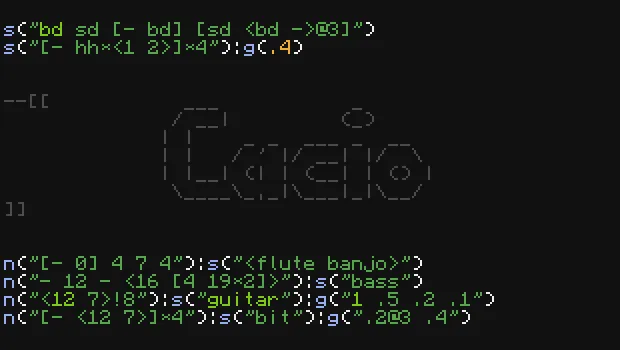
Strudel-inspired live coding in ComputerCraft
Cacio plays noteblock sounds using playNote.
Built-in functions:
note/n: set the note to a certain semitone (0-24, starting on a F#, the octave depends on the instrument) (named notes and scales are not supported yet)sound/s: set the sound to a certain noteblock instrument (aliases exist forbd,sd,hh, andcb)gain/g: set the gain (volume, 0.0-3.0)
The first pattern determines the rhythm. The mini notation is the same as in strudle, but polyphony (,), split (.), randomness (?), Euclidean rhythms x(3,8), and runs (..) are not implemented (yet).
See the examples folder for some fun examples :)
Cacio editor
cacio is a live coding editor for Cacio. Optionally, you can give it a filename as an argument to open and save the code to a file (for examples cacio examples/touch).
Some useful keyboard shortcuts:
Ctrl+Enterplay/update music (also automatically saves)Ctrl+.stop musicCtrl+ssave to fileCtrl+wquit (also automatically saves)F5reload editor (nice for developement)- And various text editing shortcuts, including
Ctrl+/for commenting the current line,Ctrl+left/right/backspace/deleteto jump over words, andAlt+up/downto move lines horizontally
Cacio library (w.i.p.)
I would like to also make it possible to use cacio as a library to play music in other programs. This is still a work in progress, and I first want to focus on implementing more features for Cacio.
wget run https://pinestore.cc/d/274
Git Repository 
comments
You can login with Discord to leave comments and reply to others!
There are no comments yet