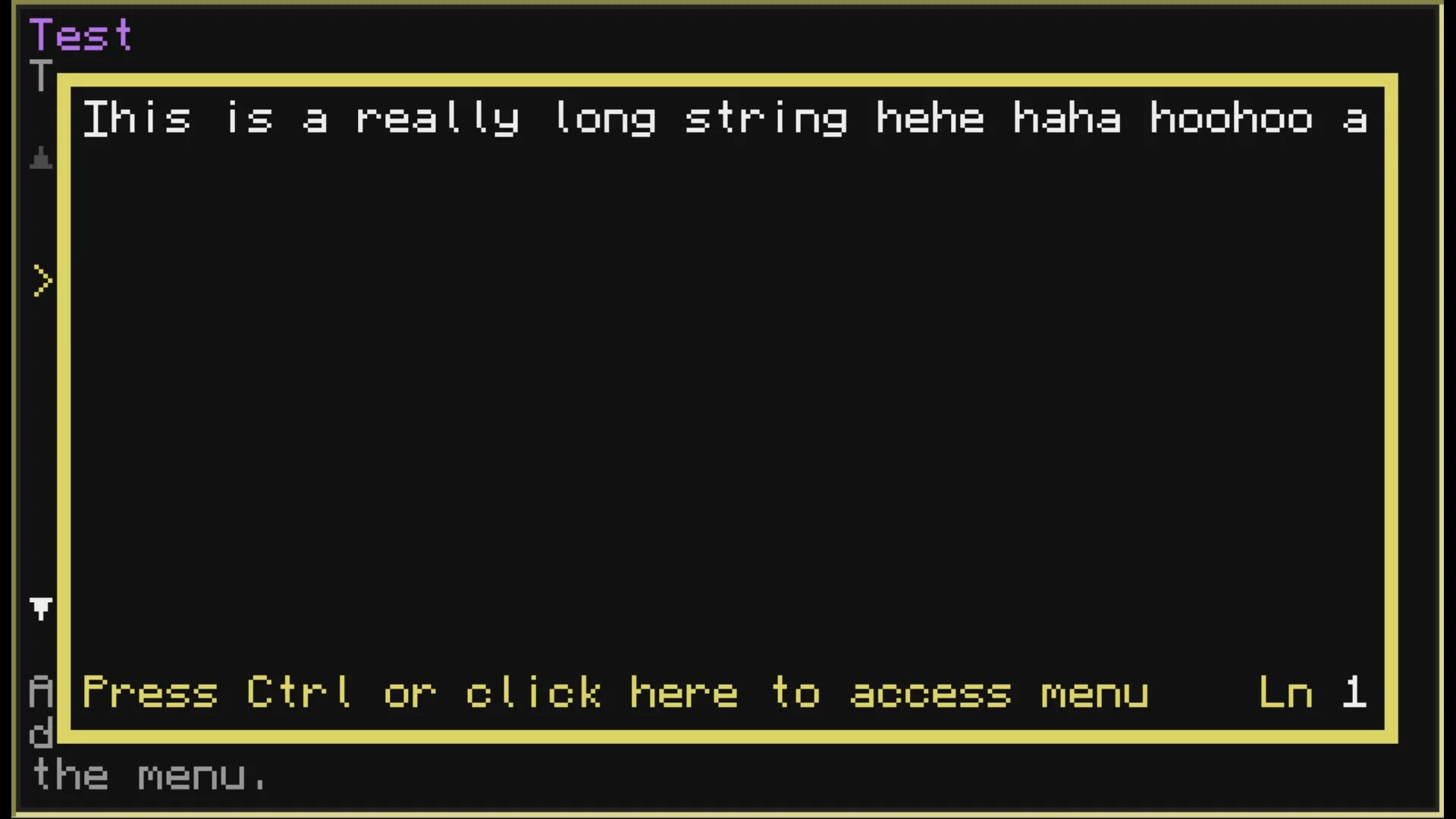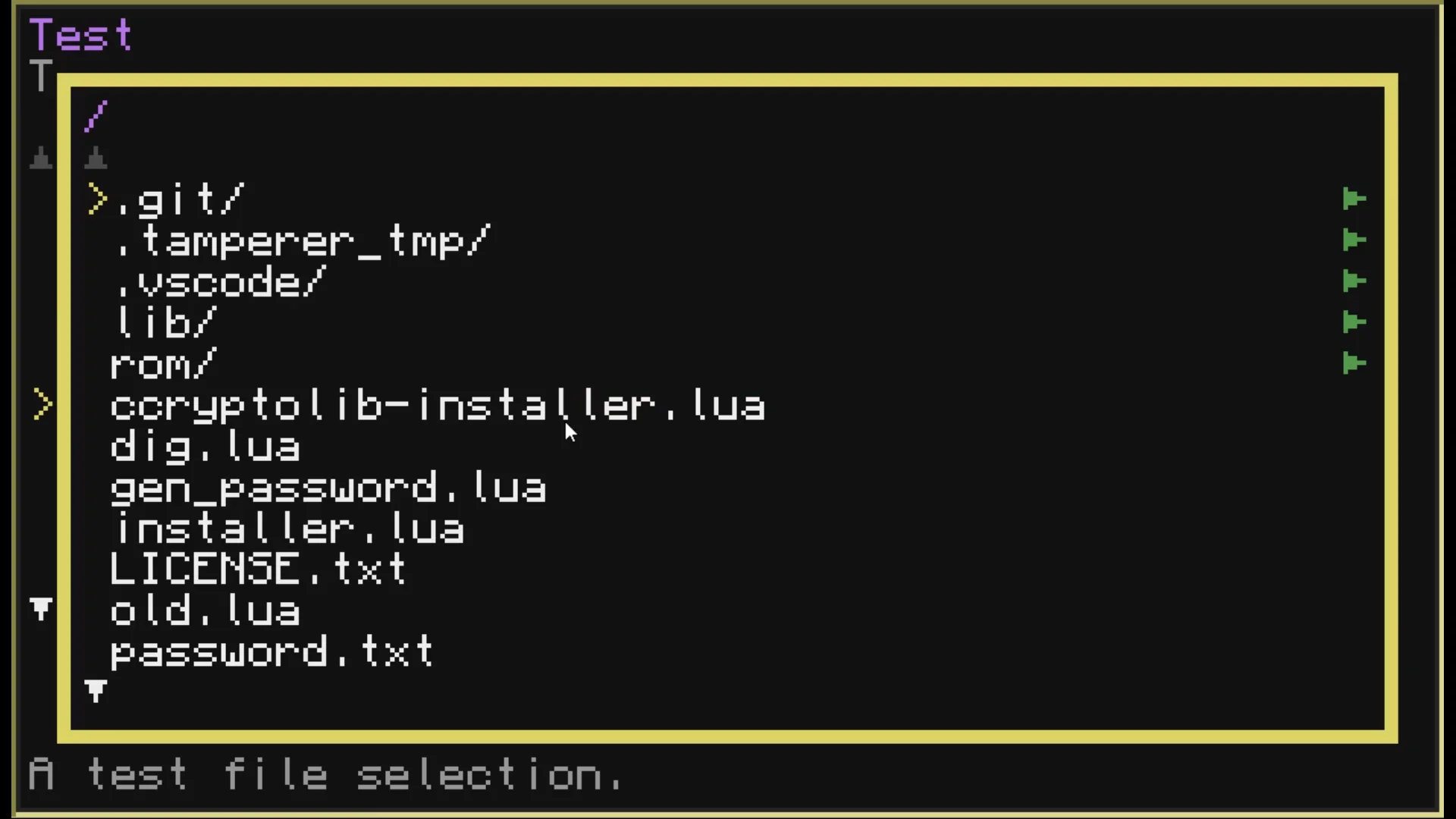
Tamperer 2.0 by Fatboychummy
Fixed a "compare number with nil" error
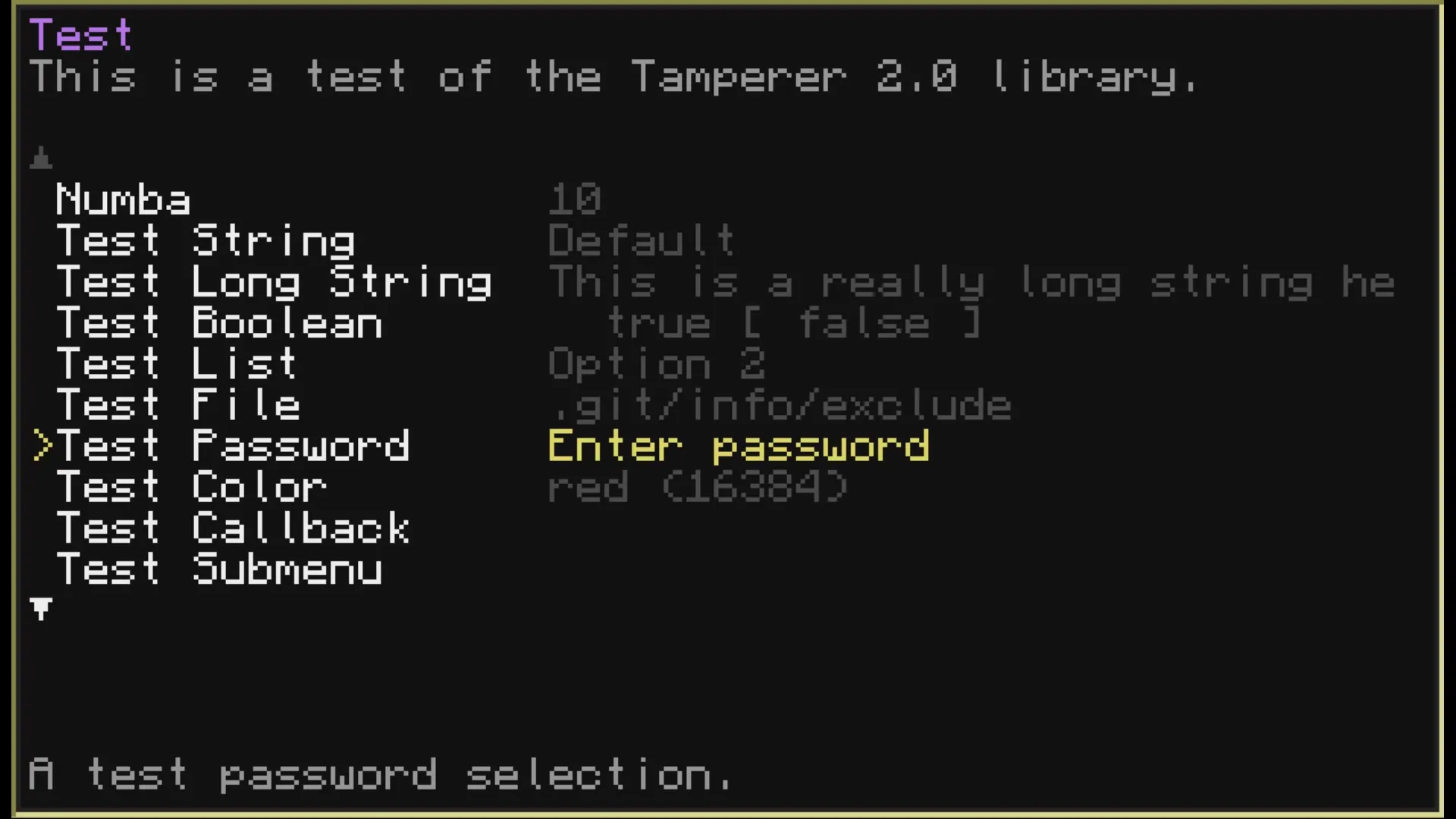
Tamperer 2.0
Tamperer is a menu driver for ComputerCraft that allows you to create interactive settings menus for your programs with ease.
NOTE
This is a complete rewrite of the original Tamperer and as such is not compatible with the original version's table loading system.
If you need the original version, you can find it here.
Features
- Easy to use API for creating menus and settings.
- Support for various input types (boolean, number, string, lists, files, and more).
- Customizable appearance.
- Navigation using keyboard.
Installation through other installers
Since this is on its own just a library, you will probably be wanting to install it as a dependency for another program. All Fatboychummy-CC installers use a standardized format that allow you to install dependencies easily. That format is simply to run the main installer with the following two arguments:
- Path to where you want the library installed.
- (Optional) the branch of installer you want to use.
So, if you wanted to install Tamperer to $(current_dir)/lib/tamperer.lua, you
would run the following command:
wget run https://raw.githubusercontent.com/Fatboychummy-CC/Tamperer/refs/heads/better/installer.lua libNow, Tamperer does come with multiple branches (all and no_ccryptolib). If
you specify one or the other as the second argument, it will install the version
you specified. If you don't specify one, it will ask the user, which may or
may not be what you want.
wget run https://raw.githubusercontent.com/Fatboychummy-CC/Tamperer/refs/heads/better/installer.lua lib allThe above would, for example, lock the user out of selecting no_ccryptolib and
just install the full version right away. This is useful if your program makes
use of the password fields in Tamperer, which require ccryptolib to work.
Usage
To use Tamperer in your program, simply require the
tamperer module and create a new menu instance. You can then add settings
to the menu and display it to the user.
In order to catch changes to values, you can provide a callback function that will be called whenever a value is changed.
local tamperer = require("tamperer")
local menu = tamperer.new("Main Menu")

menu:add_number("volume", "Volume", "Volume of the music", 50, 0, 100)
menu:add_boolean("fullscreen", "Fullscreen", "Enable fullscreen mode", false)
-- ...

menu:set_on_change(function(menu, selection)
  print("selection " .. selection.i_label .. " changed to " .. tostring(selection.value))
  print("selection is part of menu " .. menu.options.title)
end)

menu:run()
See the wiki for detailed documentation and guides on using Tamperer. The wiki is still under construction, but contains a full reference page for all Tamperer methods and objects.
wget run https://pinestore.cc/d/220
Git Repository