2 downloads 13 views 0 likes Oct 26, 2026

Pineapple Studio by Quarry
Pineapple Studio
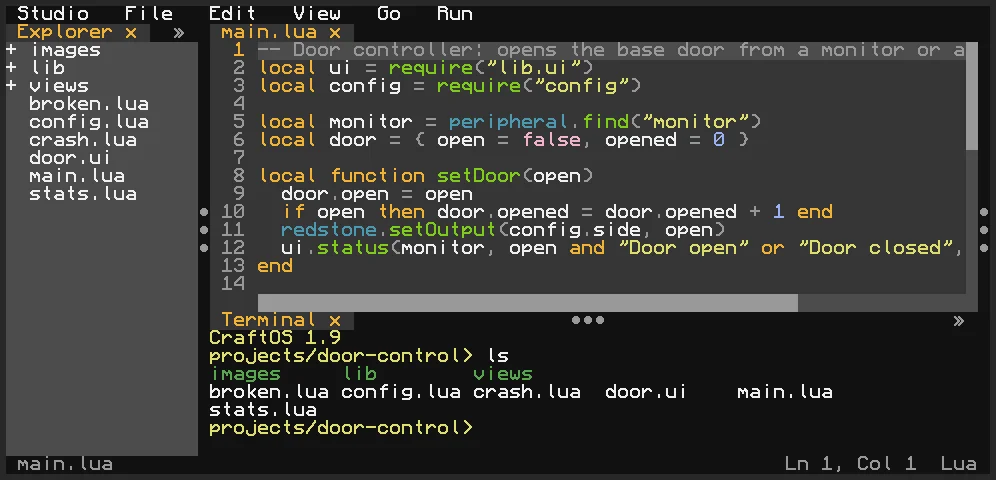
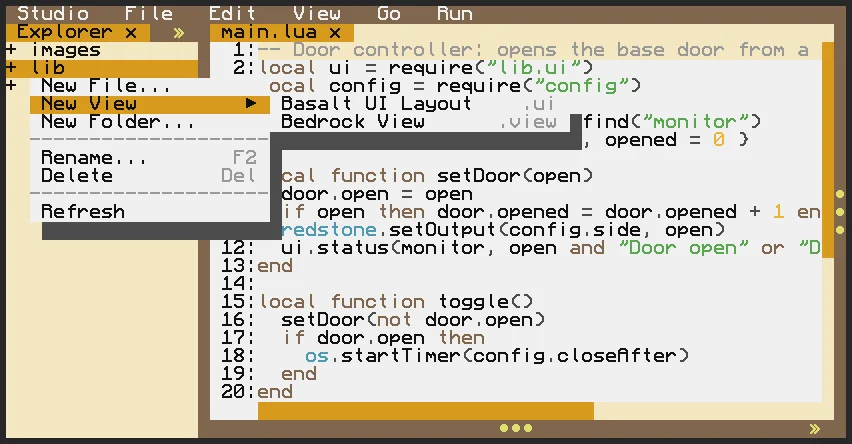
The ultimate, most feature-rich IDE for ComputerCraft. Pineapple Studio is designed to make editing in-game a better experience than using an out-of-game IDE: write, run, debug, design, and package Lua projects without leaving Minecraft.
Main features
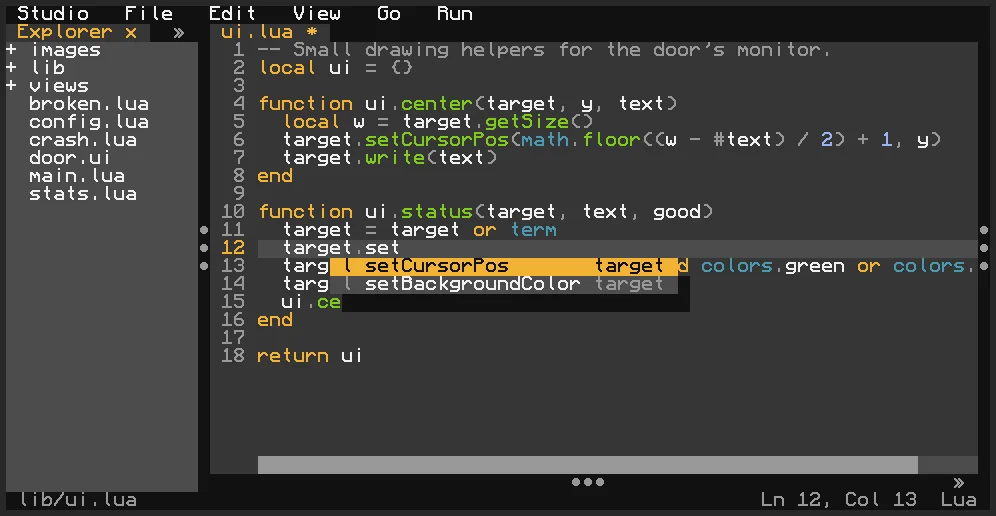
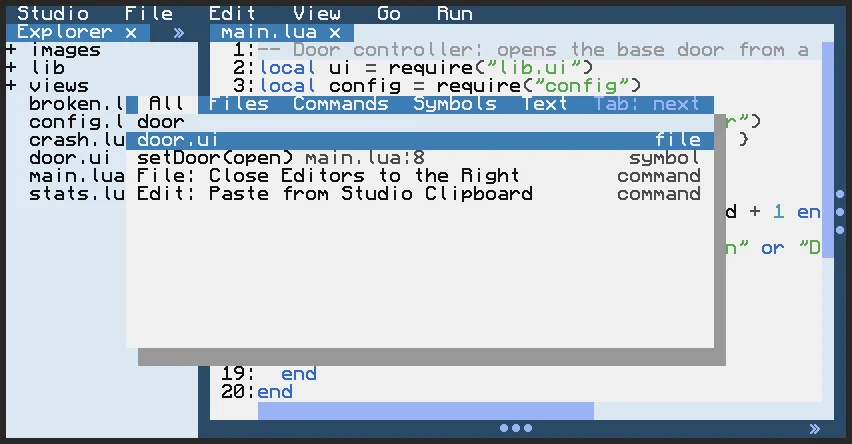
- Full Lua editor with syntax highlighting, autocomplete, matching blocks, and code folding
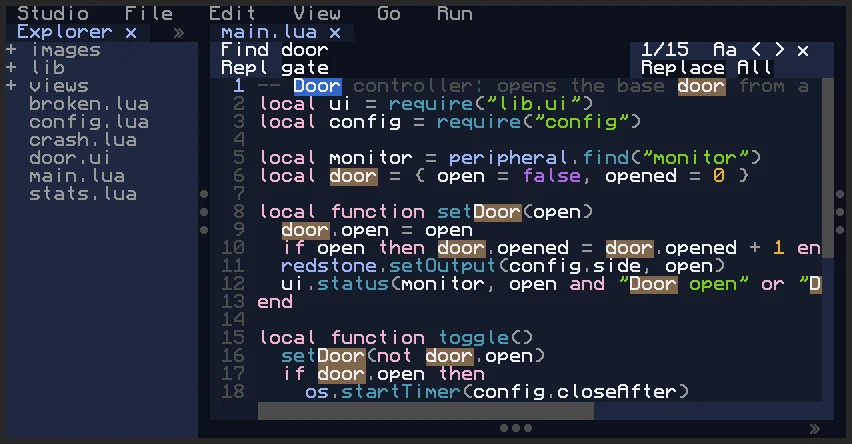
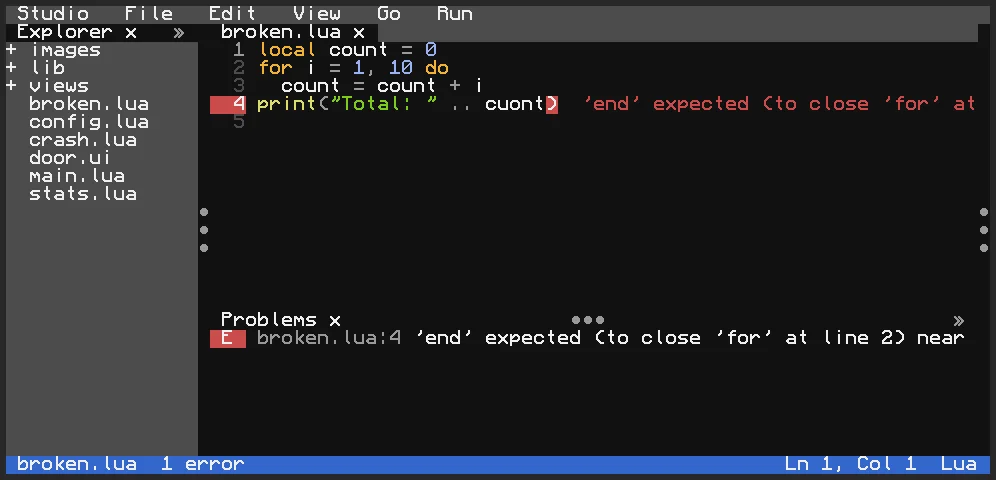
- CC: Tweaked API awareness, problems panel, go-to-definition, search, and find/replace
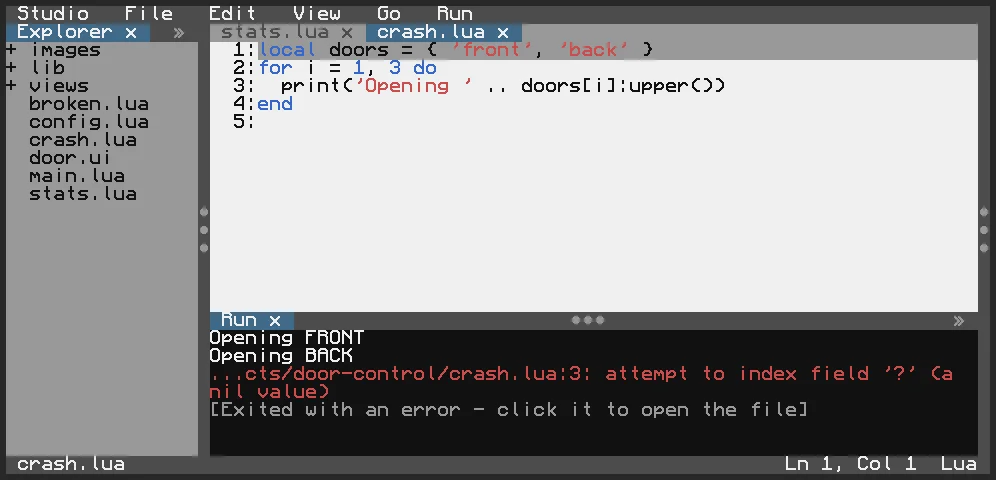
- Integrated runner, terminal, project launcher, and error navigation
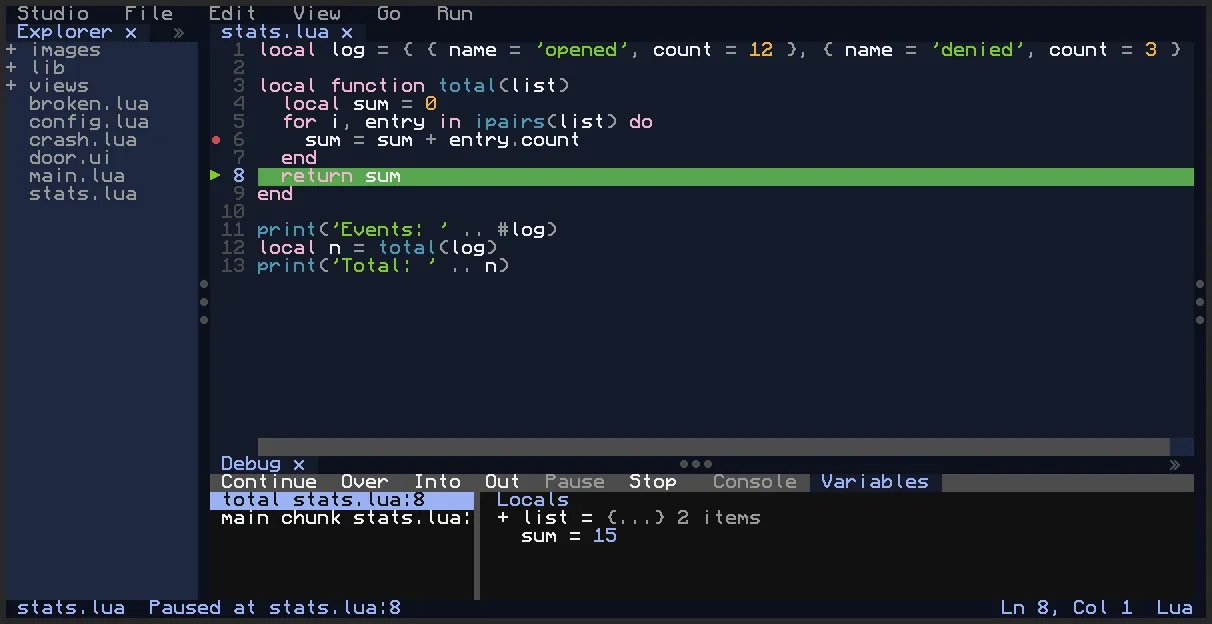
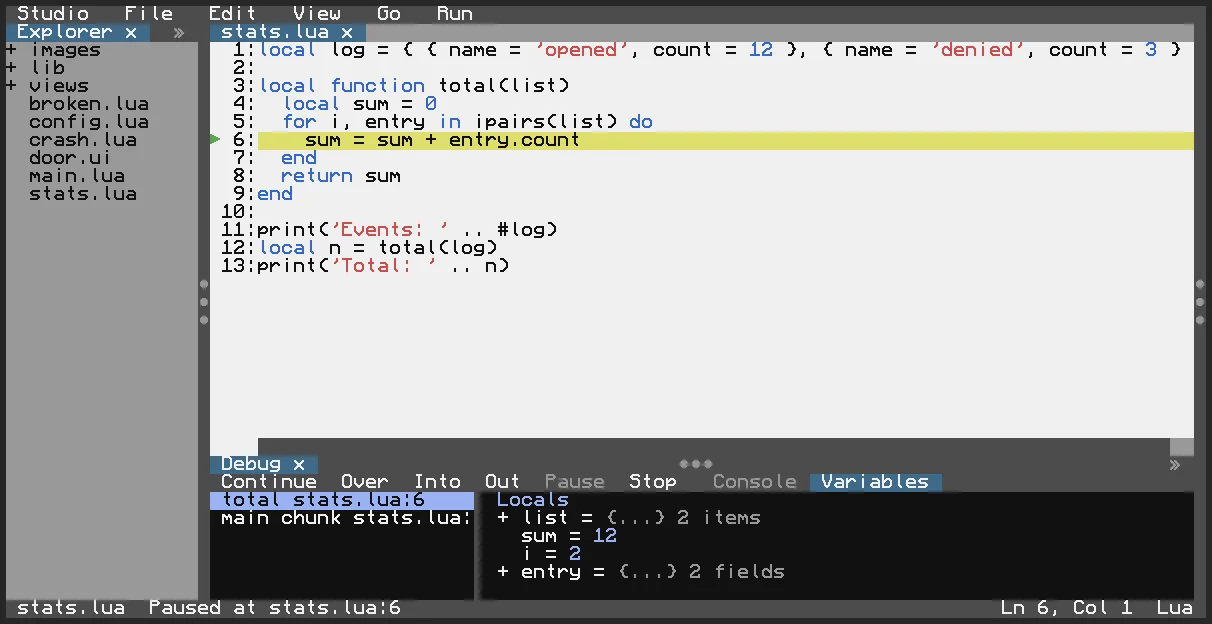
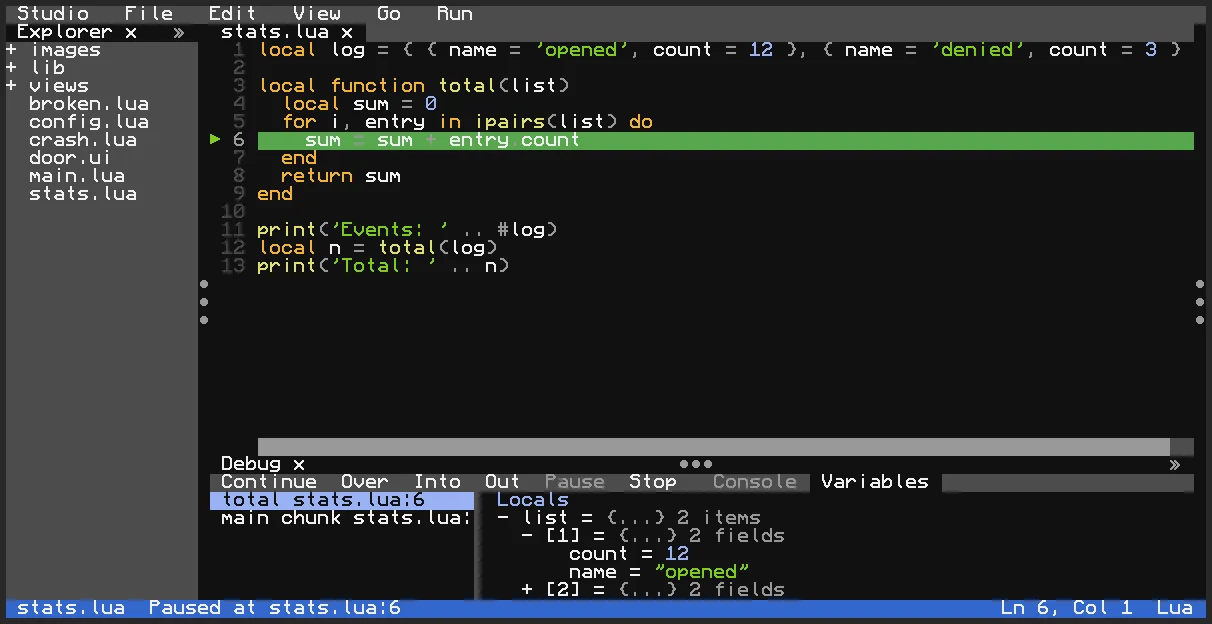
- Interactive debugger with breakpoints, stepping, call stack, and variable inspection
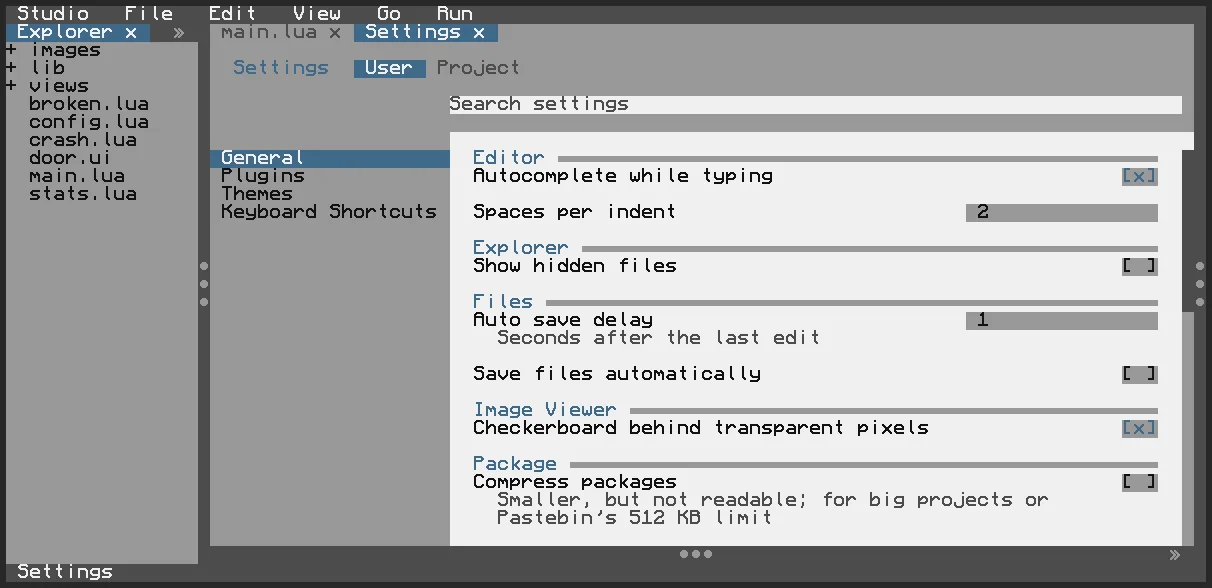
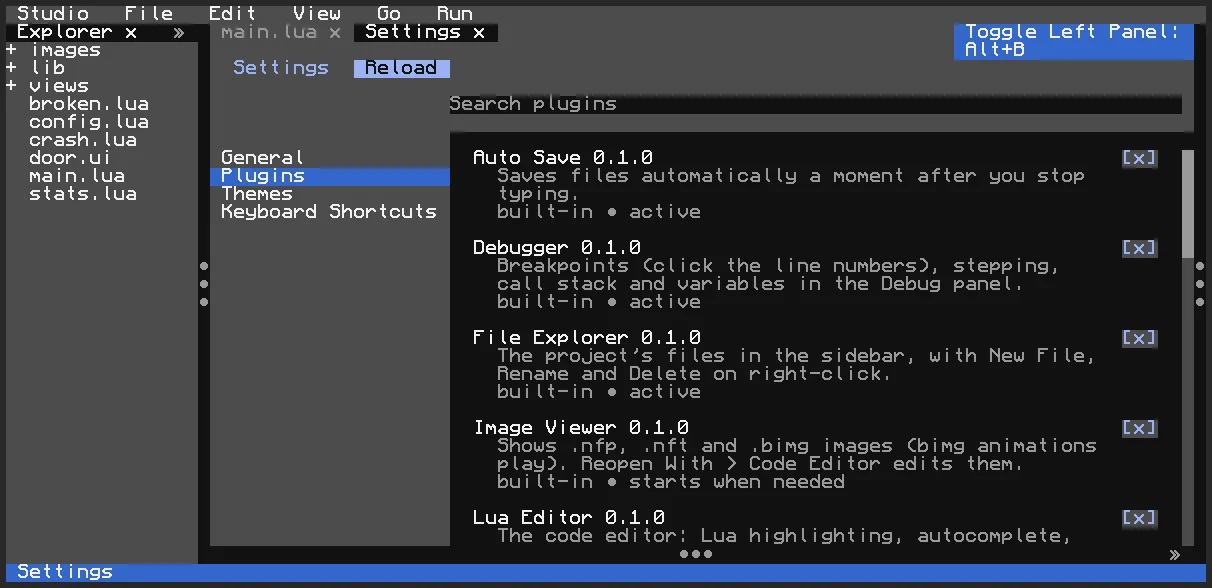
- Plugin system: extend Studio with commands, panels, editors, menus, keybindings, and settings
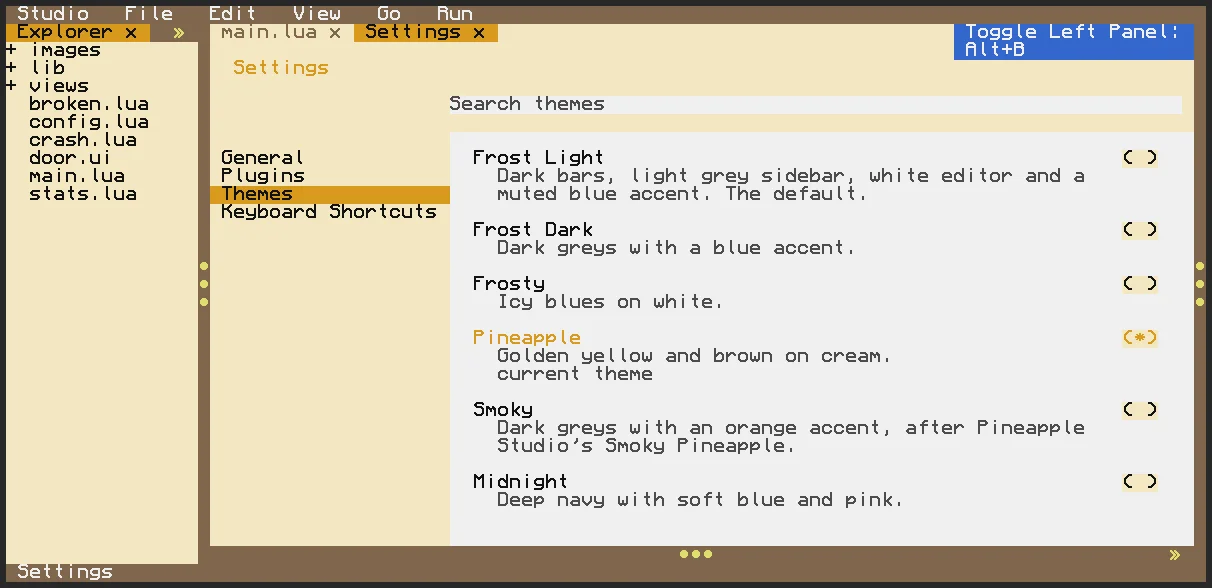
- Multiple themes, including Frost Light, Frost Dark, Pineapple, Smoky Pineapple, and Midnight
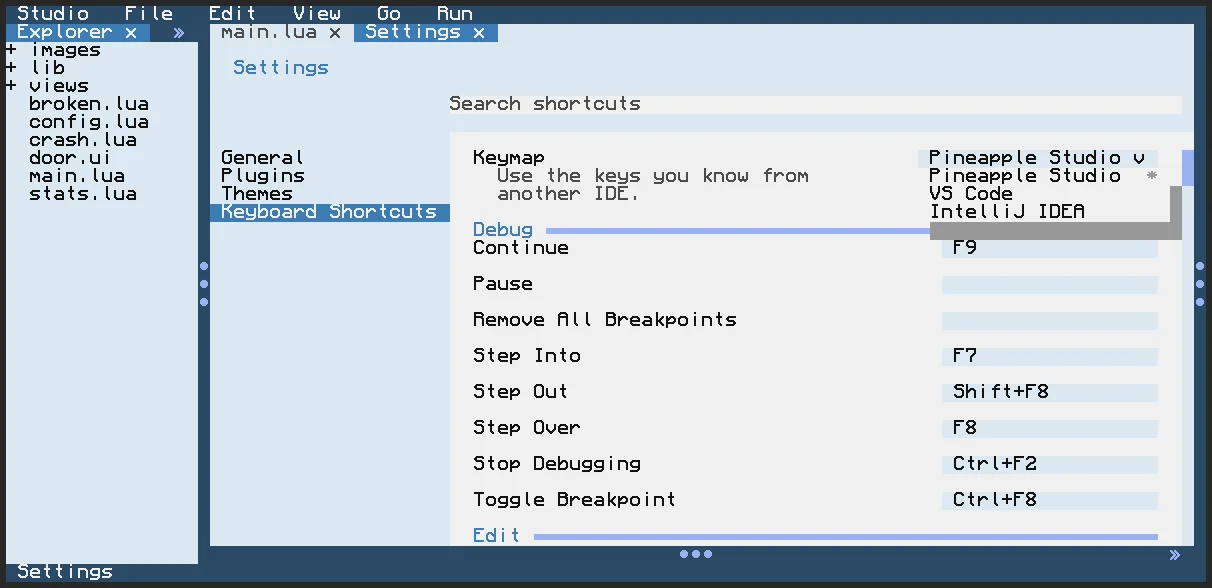
- Built-in keymap support for Studio, VS Code, and IntelliJ-style shortcuts
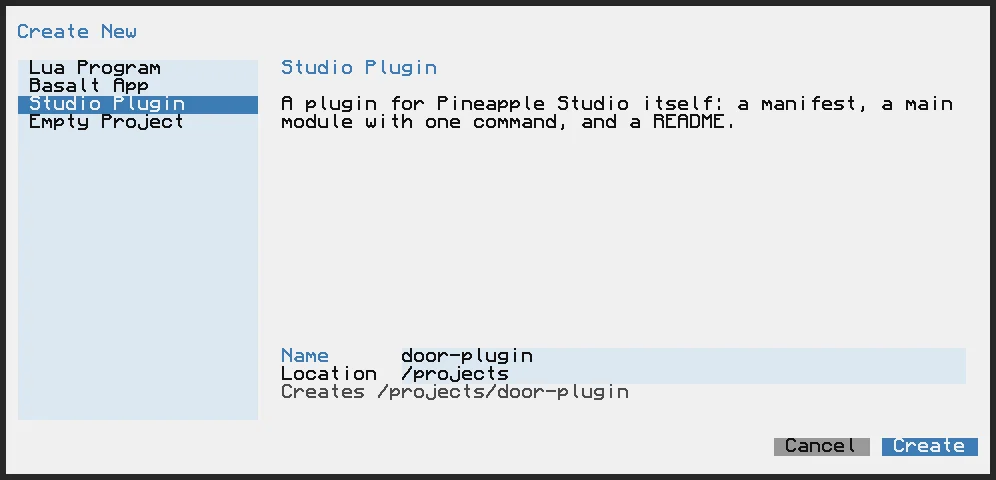
- Project wizard for Lua programs, Basalt apps, Studio plugins, etc.
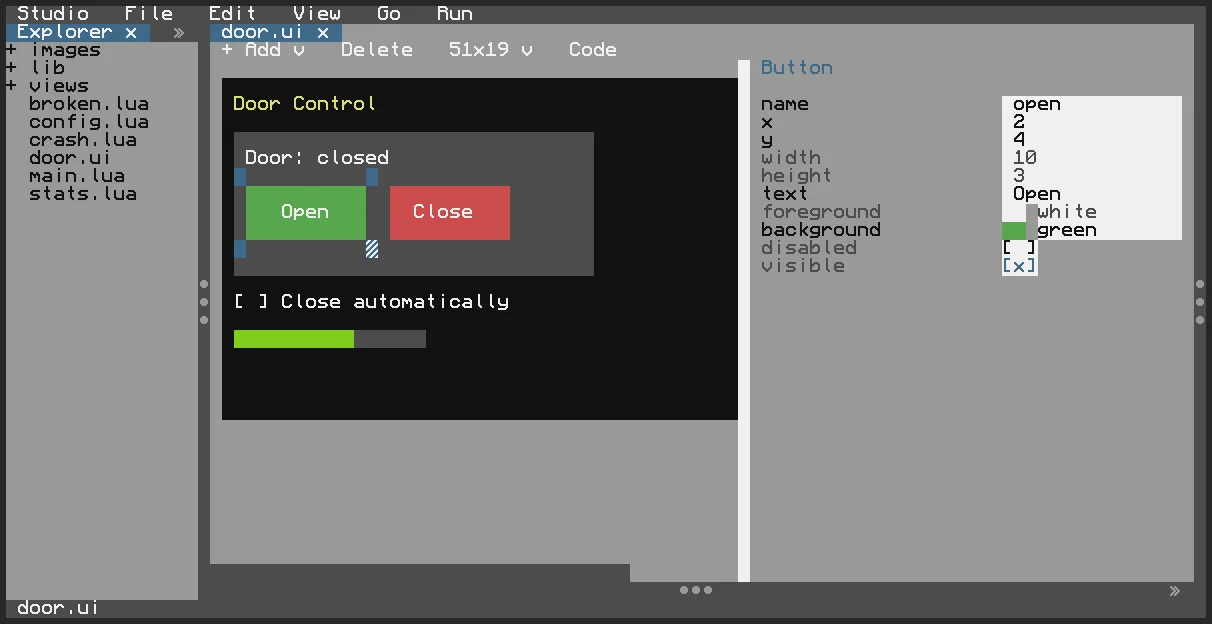
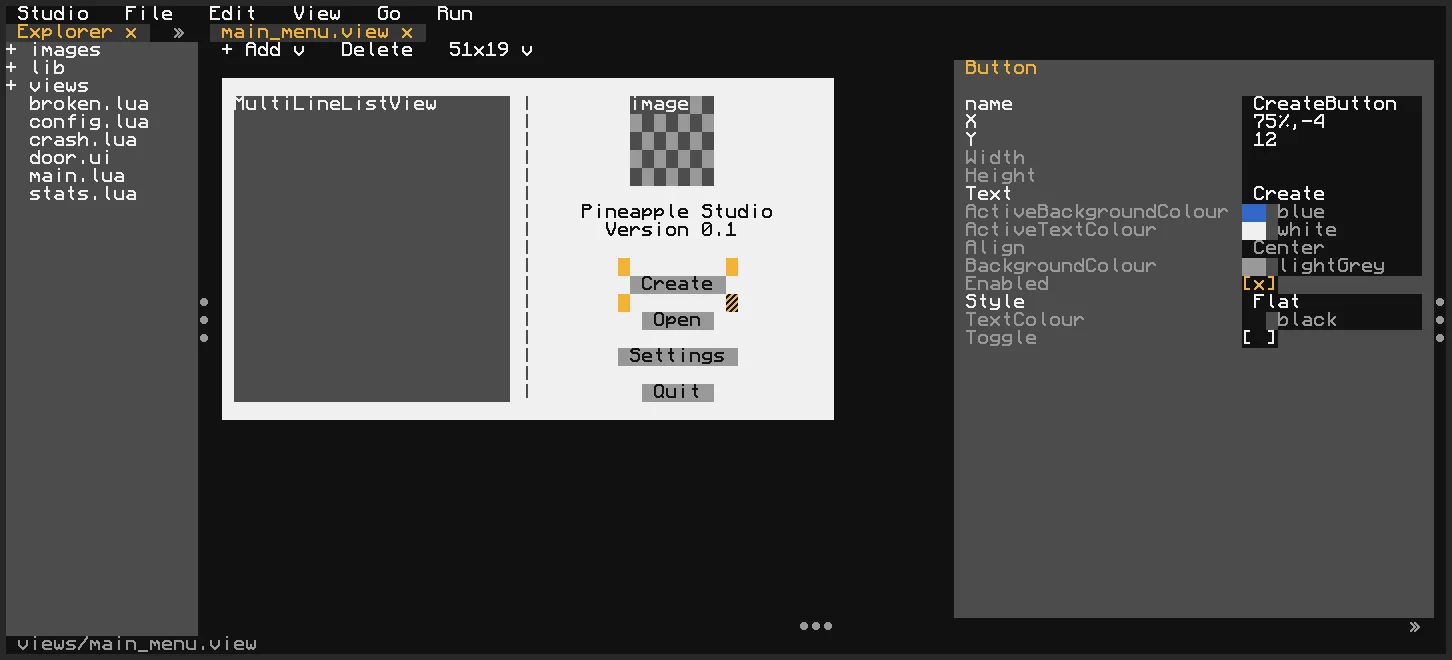
- Visual Basalt and Bedrock designers for building ComputerCraft interfaces
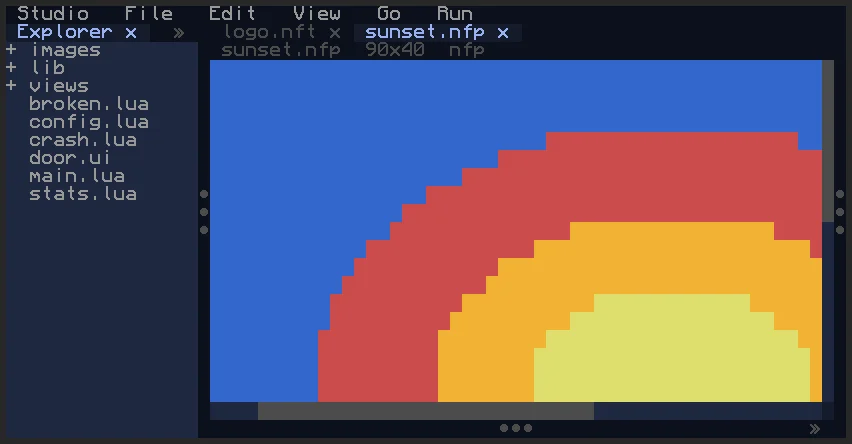
- Image viewer for
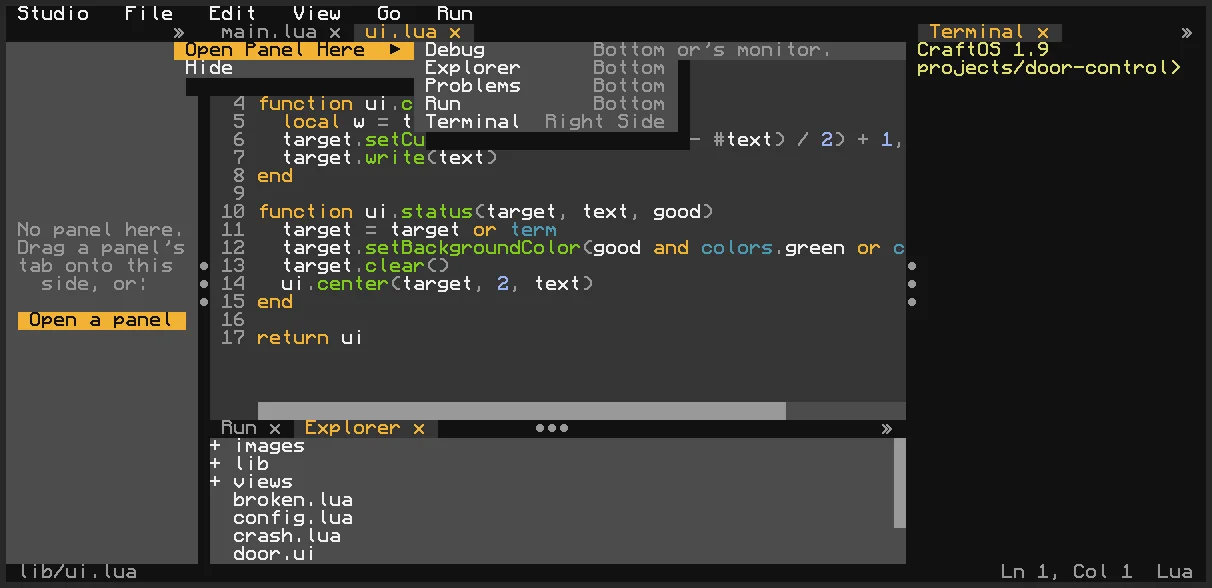
.nfp,.nft, and.bimgfiles, including animations - Dockable, resizable panels with tabs, context menus, and persistent workspace state
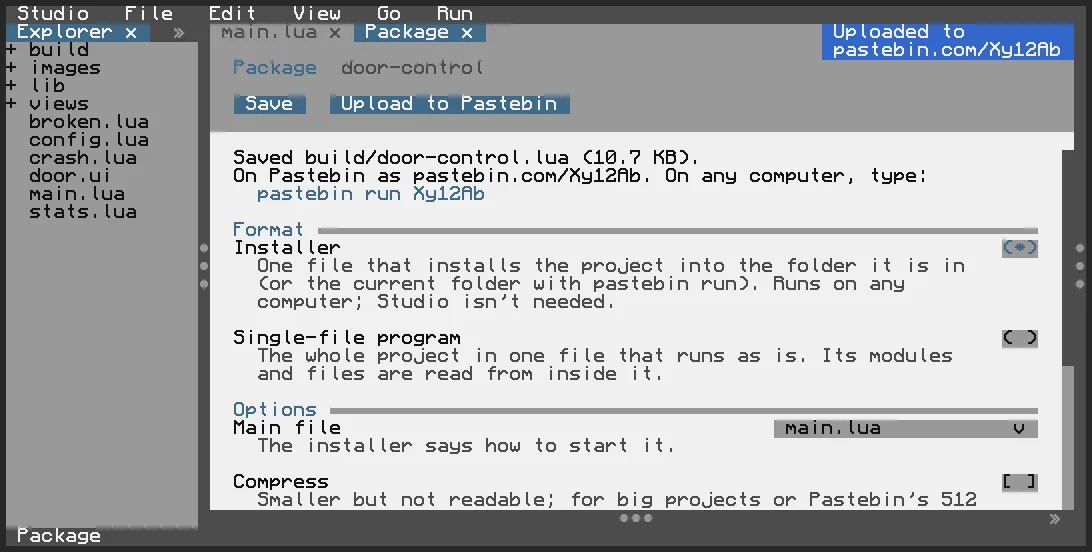
- Package and Share tools for creating installers, single-file programs, and Pastebin releases
- And many more!
Disclaimer: This project has currently been tested only in the CraftOS-PC emulator. It works on 51x19 screens, but a larger resolution is recommended for the best experience.
Pineapple Studio is built on Basalt.
wget run https://pinestore.cc/d/280
Git Repository 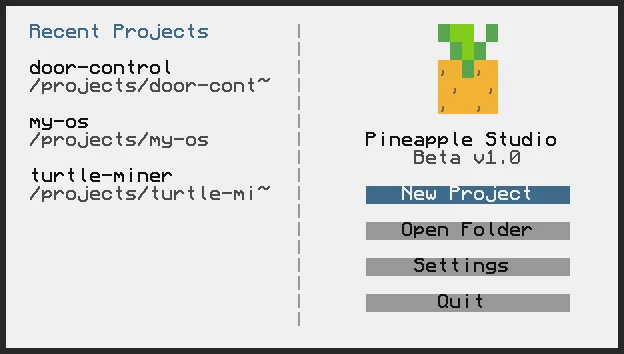
comments
You can login with Discord to leave comments and reply to others!
There are no comments yet